





 52 reasons
  Free PDF


 Message us on WhatsApp
  Book a Free Call

 Climbing
 Which apps will actually be useful during your preparation and on the mountain, and which will just drain your battery? We break down the tried-and-tested tools for navigation, training, and health monitoring.
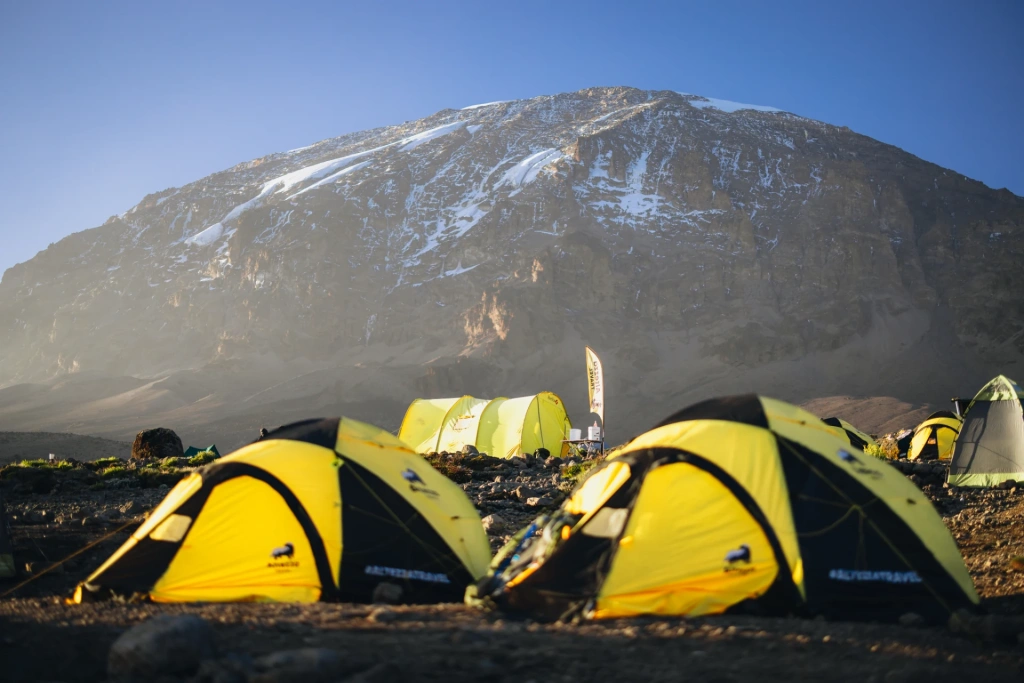
You don’t need to be a professional mountaineer to climb Kilimanjaro. But that doesn’t mean the journey to the summit is easy. At high altitude, there’s no stable mobile connection, the weather can change within minutes, and your physical condition depends not only on fitness but also on how well you manage your pace, elevation gain, and exertion. To help with trek preparation, navigation, and weather monitoring on the mountain, specialized apps are available.
The best mobile apps for climb Mount Kilimanjaro tours are featured in our new article.
Navigating Trails and Tracking Altitude on Your Climb
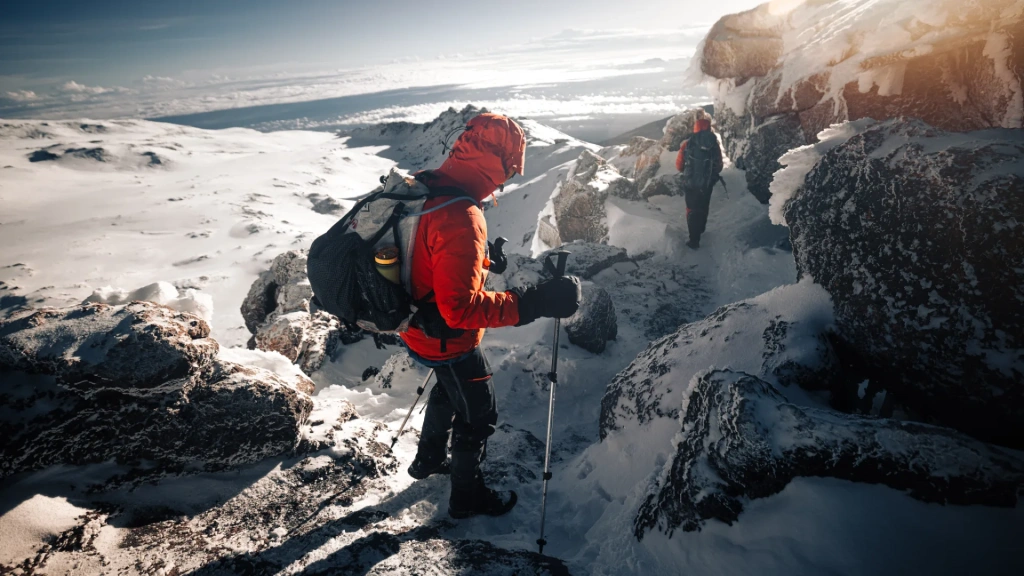
At elevations above approximately 4,000 meters (13,000 ft), mobile internet is usually unavailable, leaving you with only pre-downloaded offline maps, GPS, and your guide’s knowledge of the route. That’s why navigation services are among the most important mobile apps for climbing Kilimanjaro. Their main value is not so much preventing you from getting lost, but helping you monitor your pace and elevation gain.
Maps.me
- Price: free
- Download: App Store, Google Play
A simple option that does the job on Kilimanjaro. Before you leave home, download Tanzania's maps within the app, and it works entirely offline using your phone's GPS from that point on. On the trail, it shows your position, the main paths, camps, and other key waypoints.
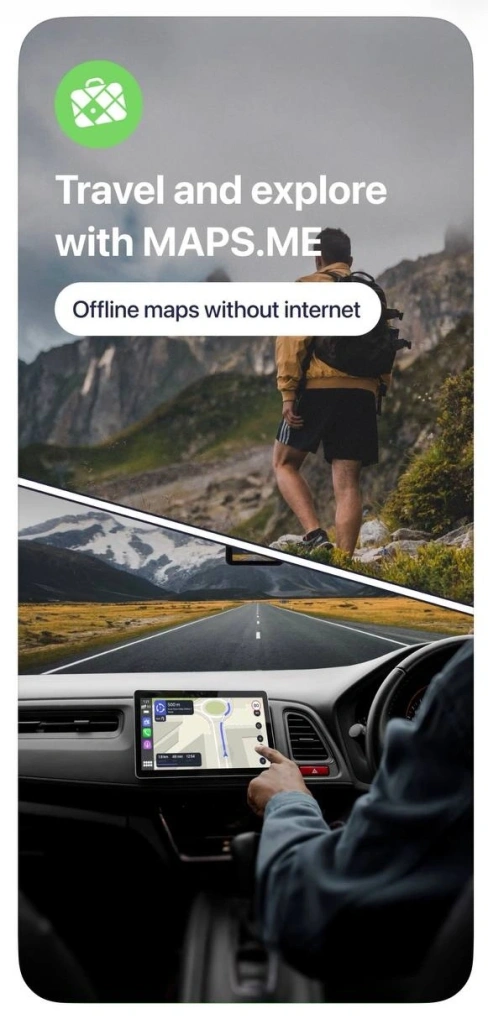
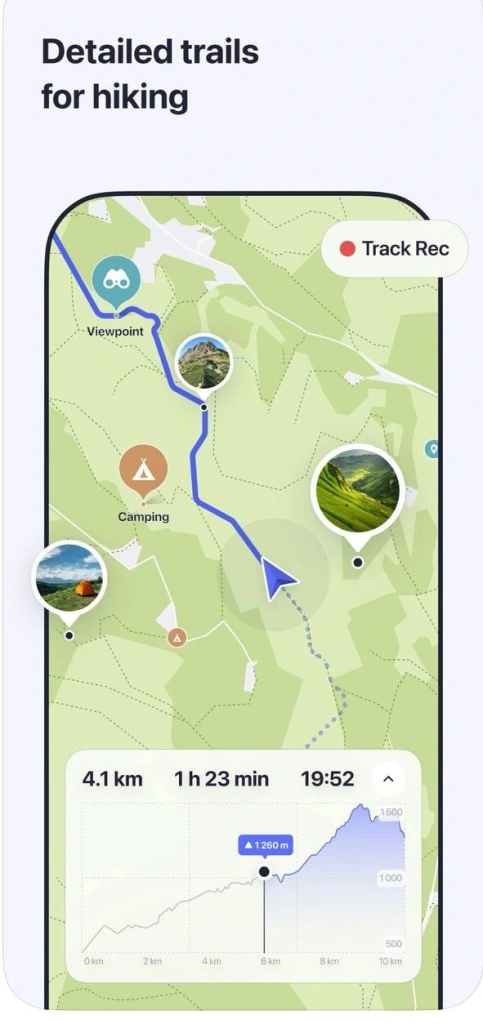
The real strength of Maps.me is its simplicity. It's lightweight, launches quickly, requires no complicated setup, and doesn't bog you down with a heavy interface. At 3,500–5,000 meters (11,500–16,400 ft), simplicity matters more than unnecessary functions that just drain your battery.
On the downside, Maps.me isn't designed for detailed terrain analysis. It doesn't show elevation profiles, occasionally simplifies routes, and can have accuracy gaps. Most climbers use it as a backup map rather than their primary navigation tool.
Gaia GPS
- Price: free plan available, Premium from $39.99 per year
- Download: App Store, Google Play
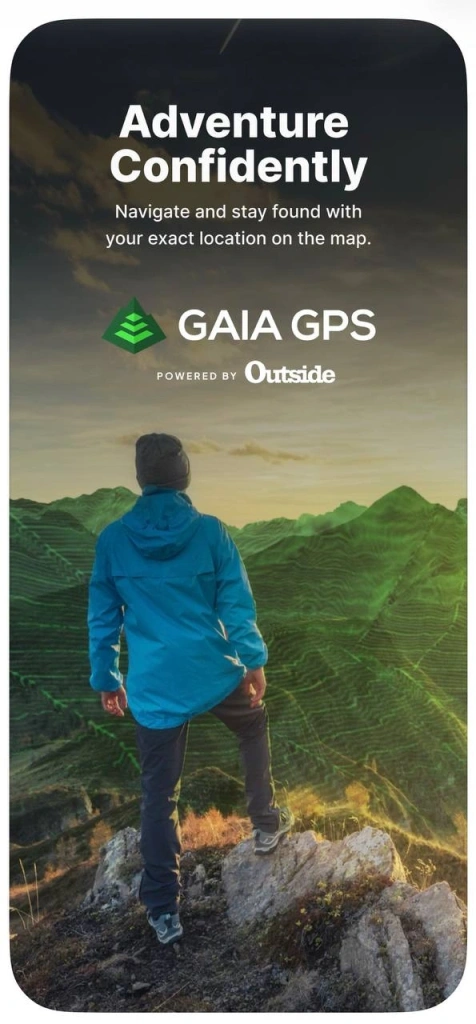
A more professional choice among the best mobile apps for climbing Kilimanjaro is Gaia GPS. It’s widely used by experienced guides. Before an expedition, you can download detailed offline maps with terrain data, elevation layers, and route overlays.
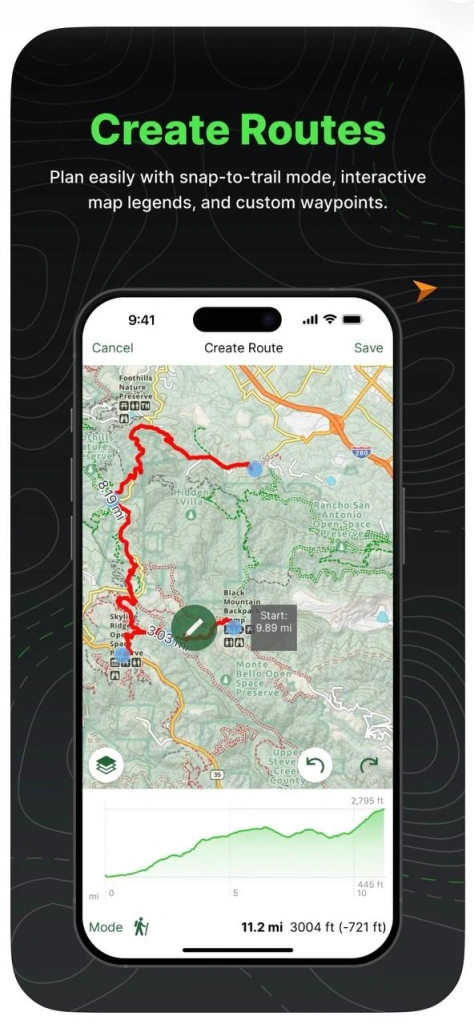
On Kilimanjaro, elevation gain is a key factor. Gaia shows you where the most difficult sections begin, how steep the terrain becomes, and how far you still have to go before reaching camp or the summit. The downside is complexity. The interface takes time to learn, and some features are only available in the paid version. In return, however, you get high accuracy and extensive map customization options.
AllTrails
- Price: basic version free, Pro from $35.99 per year
- Download: App Store, Google Play
AllTrails is less of a traditional navigation app and more of a database built around real trekking experiences. Its main advantage is that it shows what the route actually looks like in real life. You’ll find photos, comments from other climbers, and up-to-date trail condition reports.
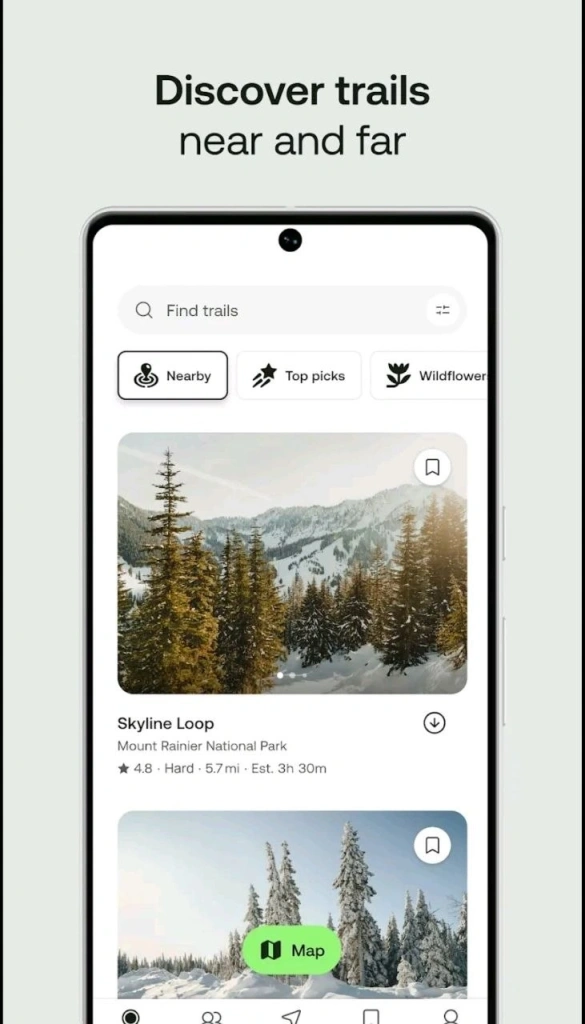
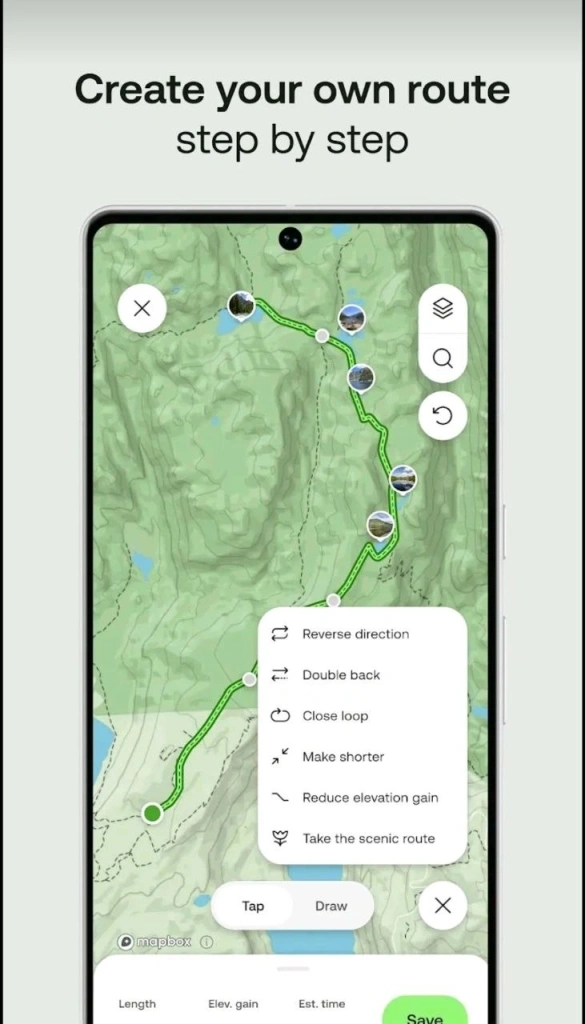
The app is especially useful when preparing for Kilimanjaro. You can preview what the camps look like, identify difficult sections, see how weather conditions change, and learn about the most common mistakes travelers make.
Saved routes can also be used offline, though their navigation accuracy is generally lower than that of Gaia GPS. AllTrails is best suited for route planning and understanding the trek in advance.
Its main weakness is dependence on user-generated content. Some information may be outdated or inaccurate, so it’s not something you should rely on completely in the mountains.
Fitness App for Pre-Climb Training: Custom Workouts and Progress Tracking for Summit Preparation
Daily high-altitude trekking for many hours at a time puts prolonged strain on your muscles and cardiovascular system. Kilimanjaro is also a true endurance challenge, which is why proper preparation in advance is so important. Specialized fitness apps with ready-made training programs can help. A well-structured preparation plan allows you to avoid overtraining while gradually bringing your body to the level required for the climb.
Strava
- Price: free version available, subscription from approximately $11.99 per month
- Download: App Store, Google Play
This app turns any activity – running, walking, hill climbing, or cycling – into measurable data: distance, pace, elevation gain, and average exertion. Over time, all this information creates a detailed picture of how your body responds to prolonged physical activity.

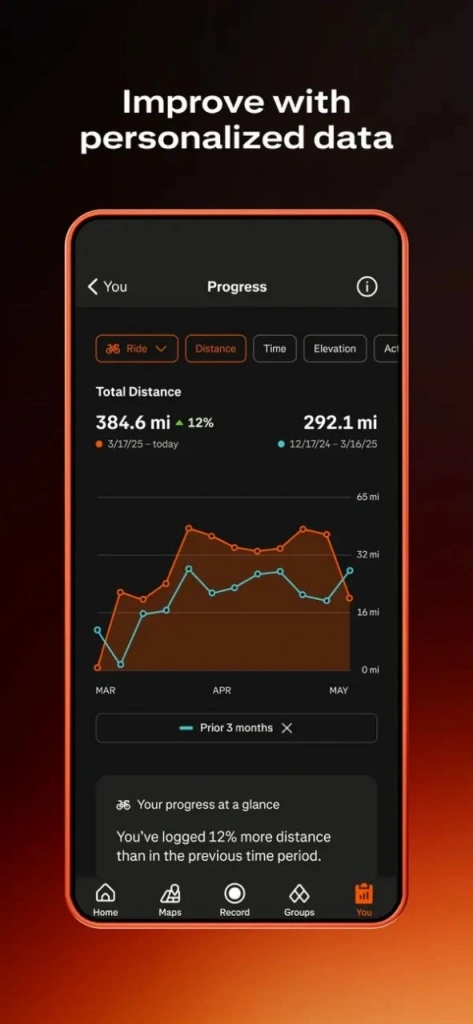
Strava helps you understand in advance whether your body can handle a training routine similar to what you’ll experience during trekking. Elevation gain tracking is especially important. Even if you train outside the mountains, the app records climbs along your route and shows how your heart rate and speed change on inclines. With this tracker, you can monitor how your endurance improves and how fatigue decreases after workouts of similar intensity.
Nike Training Club
- Price: free
- Download: App Store, Google Play
During a Kilimanjaro ascent, the main strain falls on your legs, glutes, core, and stabilizing back muscles. That’s why strengthening your body in advance is essential for reaching the summit successfully.
Nike Training Club is one of the best mobile apps for climbing Kilimanjaro, or more precisely, for preparing for the trek, because it’s built around structured workout programs with training loads distributed across days and weeks. These are ready-made plans that you can choose depending on your goal: building strength, improving endurance, or simply getting into better shape.
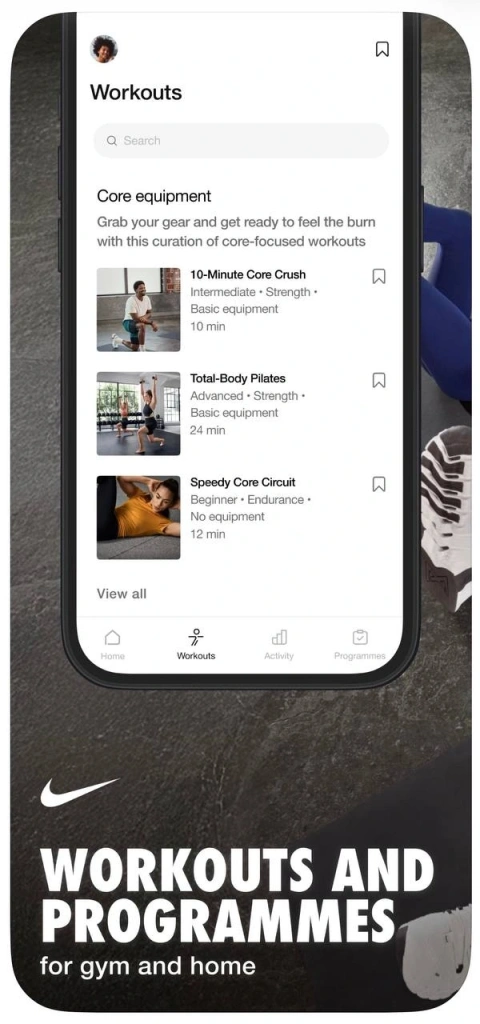
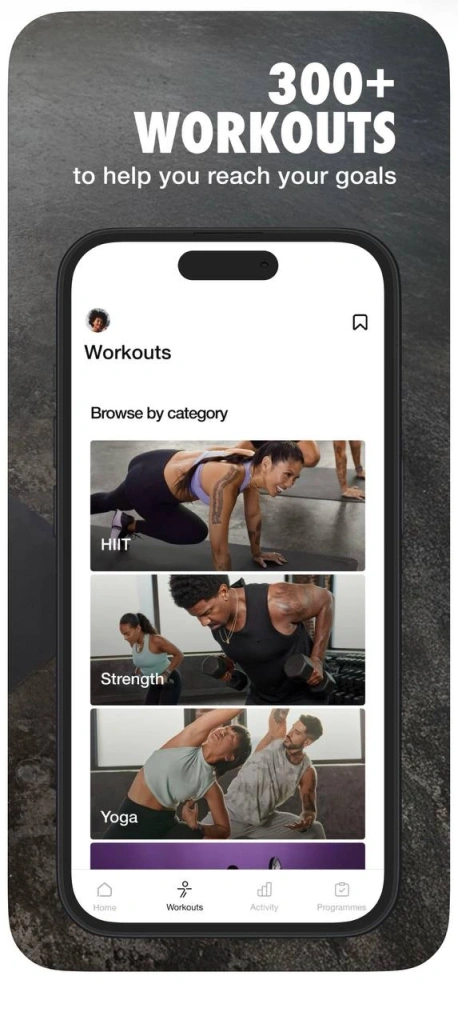
The app includes bodyweight workouts, making it convenient for those who don’t regularly go to the gym. Nike Training Club can help prepare your body effectively for the climb, but keep in mind that it does not simulate altitude conditions, oxygen deprivation, or the demands of long uphill trekking.
MyFitnessPal
- Price: basic version free, Premium from approximately $19.99 per month
- Download: App Store, Google Play
MyFitnessPal is a nutrition-focused fitness app designed to track calorie intake and the balance of protein, fat, and carbohydrates. It helps determine whether your body is getting enough energy to support training.


You can train regularly while still remaining in an energy deficit. Over time, this can reduce endurance and slow recovery, which may become critical during a Kilimanjaro climb. At high altitudes, these hidden problems tend to appear suddenly as fatigue, headaches, and loss of strength.
It’s also worth paying attention to body mass index (BMI). Being significantly overweight or underweight can noticeably complicate trekking. In the first case, the strain on the heart, joints, and respiratory system increases. In the second, the body may lack the energy reserves necessary to adapt to altitude and prolonged physical exertion. That’s why monitoring nutrition with MyFitnessPal is one of the most effective ways to gradually bring your BMI into an optimal range.
That said, the app has a weakness – it relies entirely on user input. Data must be logged consistently, otherwise the app becomes ineffective.
Fitbod
- Price: approximately $12.99 per month
- Download: App Store, Google Play
Before gaining access to workouts in Fitbod, you’ll be asked to enter your current fitness level, available gym equipment, and training goals. Based on that information, the app generates a personalized workout plan.

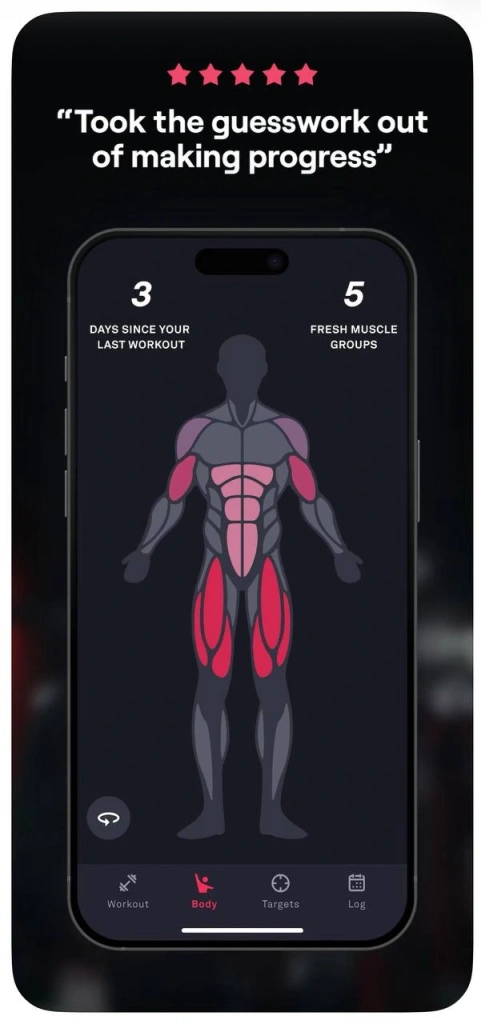
This personalized approach helps target the muscle groups that bear the greatest load in the mountains – legs, glutes, core, and back. At the same time, Fitbod also accounts for recovery. If the plan includes high-intensity workouts, they are balanced with alternative exercises that help prevent muscle overtraining. This approach reduces the risk of injury, which is especially important before a trip where even a minor strain or injury could ruin your plans.
The app’s main drawback is that the workouts focus primarily on strength training. For that reason, Fitbod exercises are usually combined with cardio activities such as walking, jogging, or cycling.
Health Monitoring Apps for High-Altitude Safety
As you ascend higher into the mountains, the air gradually becomes thinner, and familiar physical effort starts to feel more difficult than it does at sea level. Symptoms of altitude sickness can also develop subtly during the early stages. That’s why health-monitoring tools occupy a special place among the best mobile apps for climbing Kilimanjaro – these services can help detect changes before they become serious problems.
MyAltitude
- Price: free
- Download: App Store, Google Play
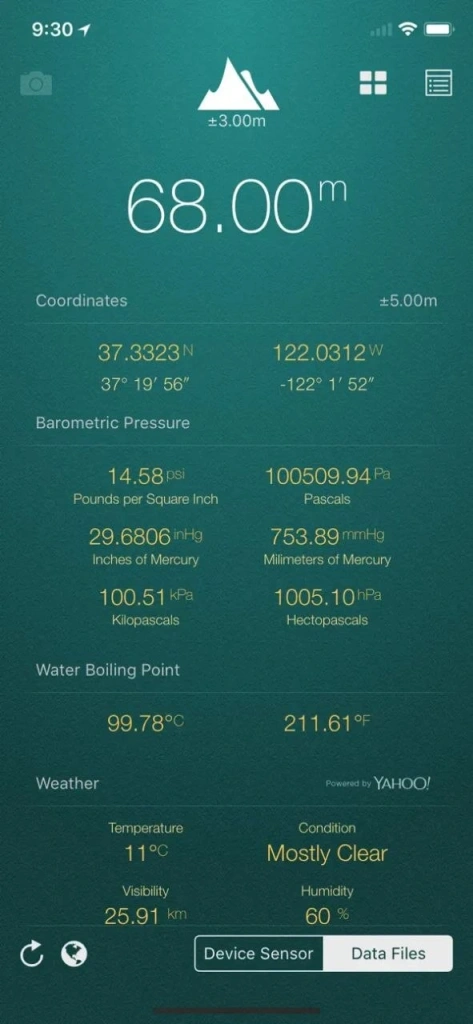
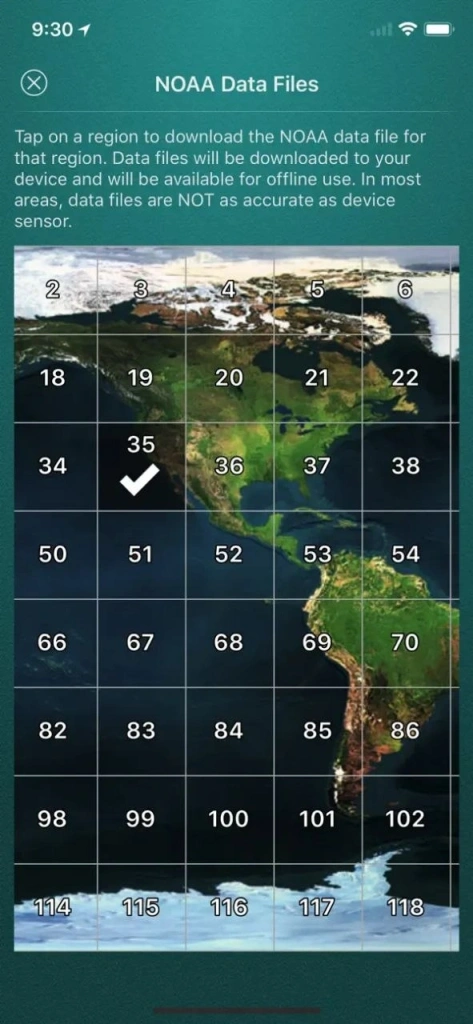
This app turns your smartphone into an altimeter, showing your elevation above sea level. MyAltitude can also track atmospheric pressure and GPS coordinates. Throughout the trek, it helps you understand your current altitude and how quickly you’re gaining elevation.
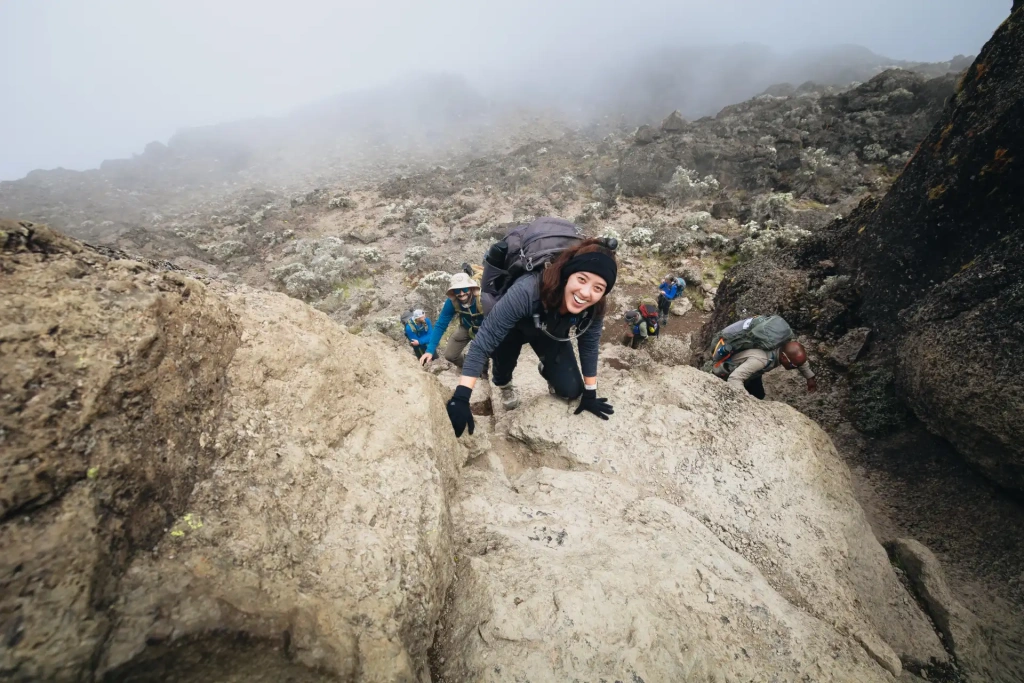
Expeditions with Altezza Travel are led by professional guides and supported by experienced Kilimanjaro porters. They know the optimal pace for the group, so you don’t need to constantly monitor your altitude unless you’re personally interested in doing so. And if this is your first mountain trek, we strongly recommend choosing climbing programs lasting 6–8 days or longer – this is considered the optimal ascent rate for gradual and safe acclimatization on Kilimanjaro.
Altimeter GPS
- Price: free
- Download: App Store, Google Play
This app combines several functions: altitude measurement, basic GPS tracking, and a compass. Unlike many similar apps, it not only records your current position but also displays movement dynamics – how your elevation changes and how quickly you’re ascending. However, Altimeter GPS only makes sense when paired with a smartwatch equipped with a built-in altimeter. Without that, the app loses much of its value.
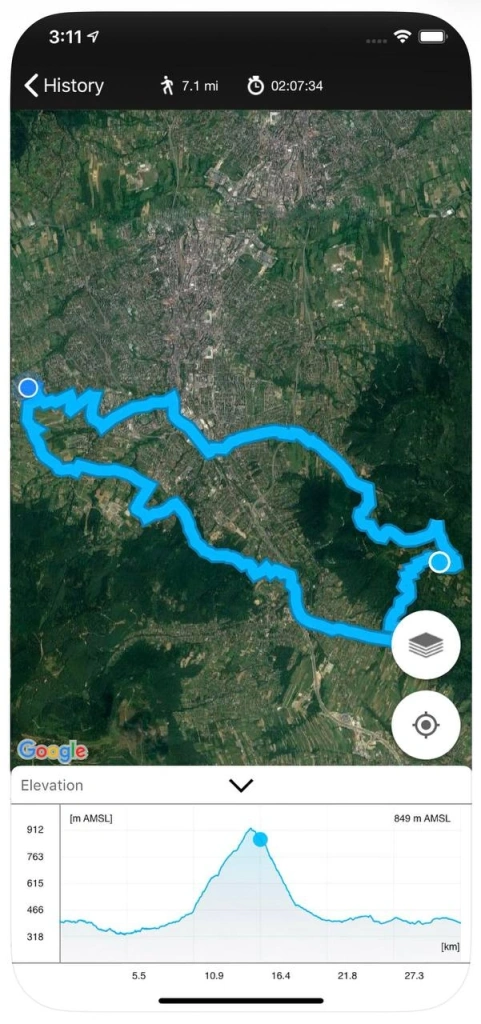
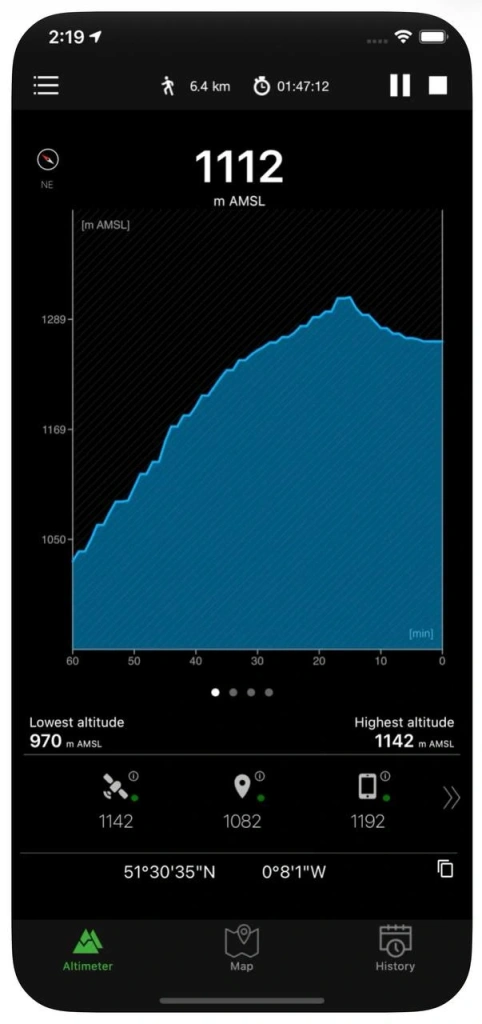
It’s also important to consider the app’s dependence on GPS. In dense forest or during heavy rain, tracking accuracy may decrease slightly. Another point to keep in mind: although Altimeter GPS is free, it includes ads and paid features, which may become inconvenient during an expedition.
Garmin Connect
- Price: free, Garmin device required
- Download: App Store, Google Play
Garmin Connect is part of the Garmin ecosystem and only becomes truly useful when paired with Garmin watches and sensors. In that setup, your smartphone acts as a data hub while most of the information is collected directly from your wrist: heart rate, blood oxygen levels, exertion, and recovery speed.
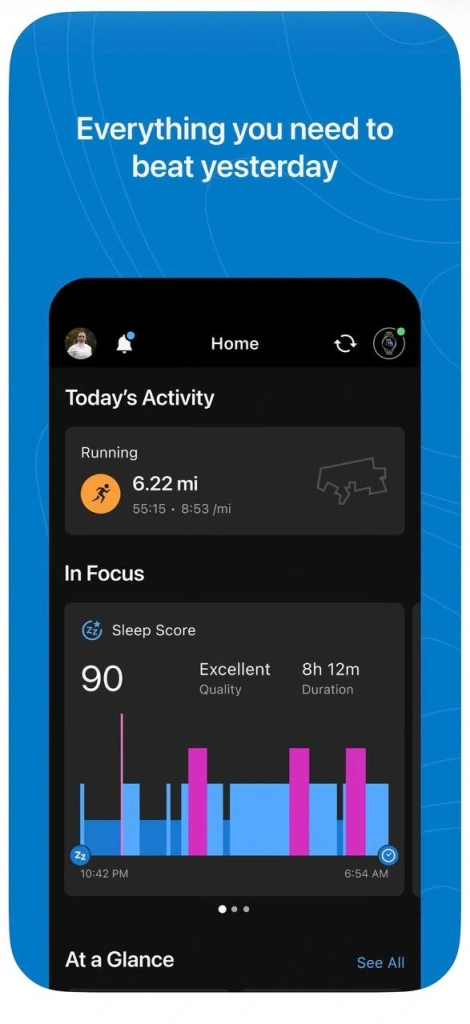
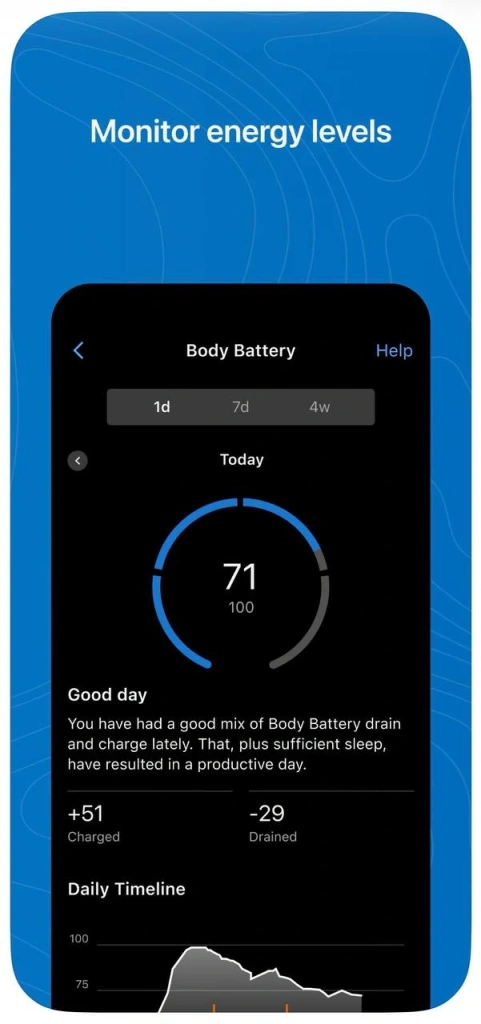
It’s a simple and effective tool for monitoring how your body reacts to altitude. Heart rate and blood oxygen saturation provide a more objective picture than subjective feelings alone, especially during the early stages of altitude sickness. Your body may already be experiencing oxygen deficiency, while you only feel mild fatigue.
The main drawback is the need for Garmin-branded devices. Without them, the app is essentially pointless.
Weather tracking apps
Weather on Kilimanjaro changes quickly and unpredictably. The morning may begin with clear skies, only for strong winds and dense clouds to appear a few hours later. Weather conditions affect not only the pace of the climb, but also your well-being and even decisions about whether to continue ascending or stop. That’s why a detailed weather forecasting app is an essential companion on the mountain.
Climbing Weather
- Price: free
- Download: App Store
This app was originally designed specifically for high-altitude trekking. Instead of focusing on cities, it provides forecasts for actual climbing locations. Climbing Weather automatically detects your location and displays weather forecasts for nearby mountain areas.
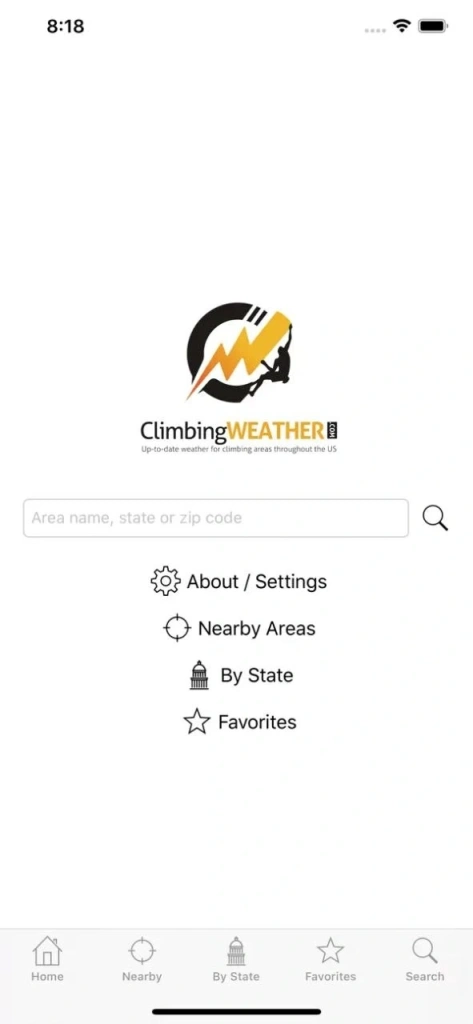
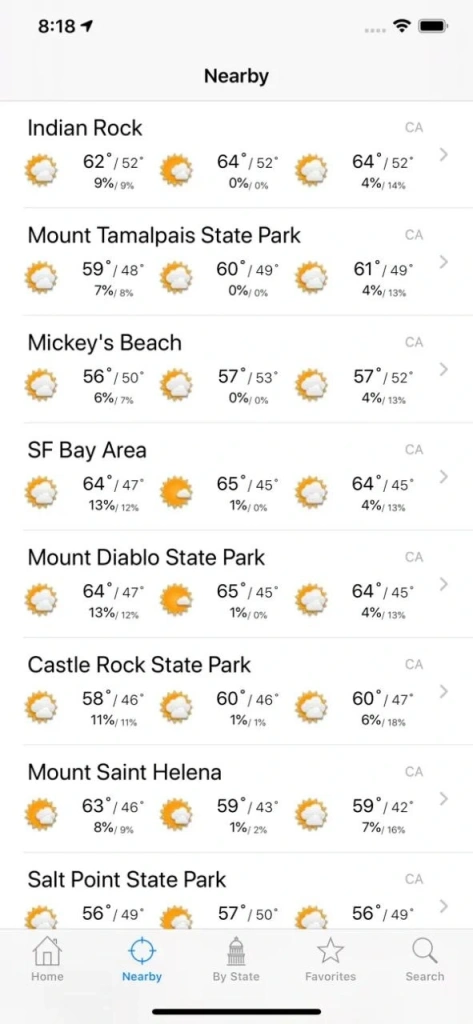
Climbing Weather is considered one of the best mobile apps for climbing Kilimanjaro because it allows you to quickly check temperature, wind, and precipitation forecasts for your current location. However, forecasts update at relatively long intervals and do not always fully account for altitude-specific conditions. For example, near the summit, high humidity can make temperatures feel completely different from what the forecast suggests.
Windy
- Price: free, Premium available from $19.99 per year
- Download: App Store, Google Play
One of the most accurate and visually detailed weather forecasting apps popular among climbers. Windy displays dynamic weather maps showing wind strength, cloud cover, precipitation, and temperature.
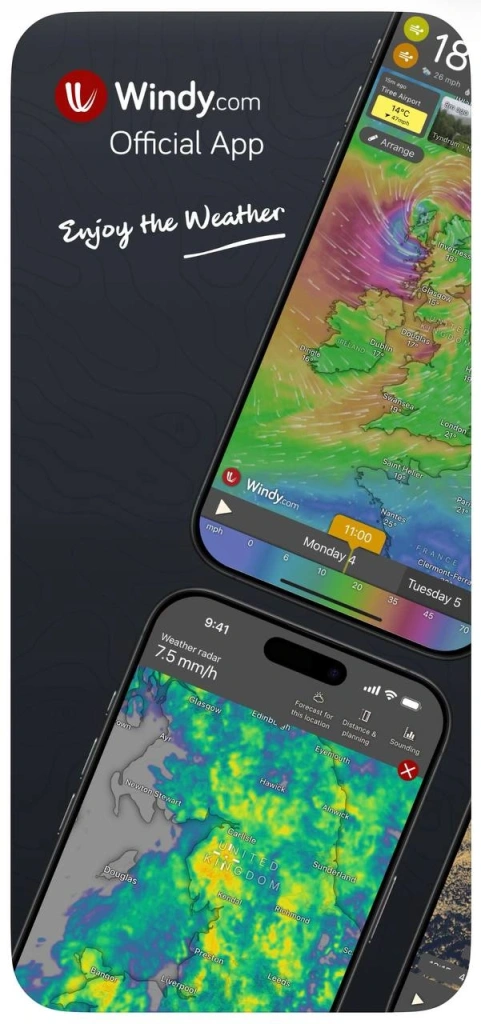
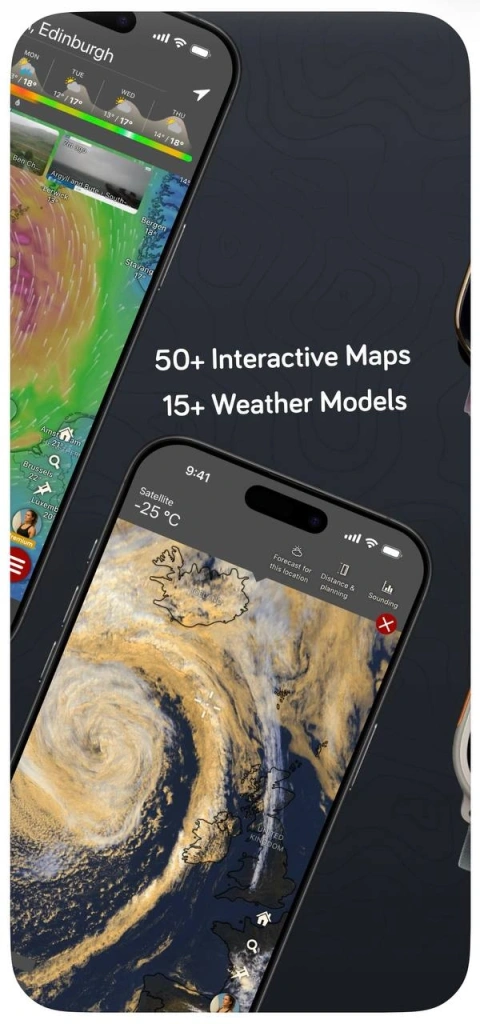
The app allows you to understand in advance how weather conditions may change throughout the day and across different elevations. For example, the service can show cloud movement that may reduce visibility during the ascent.
The main drawback is complexity. It takes time to learn the interface and get comfortable with the amount of data available. Without that, it’s easy to become overwhelmed.
AccuWeather
- Price: free, Premium available from $9.99 per month
- Download: App Store, Google Play
AccuWeather focuses on short-term accuracy and ease of use. The app displays hourly temperatures, “feels like” conditions, and precipitation probability.
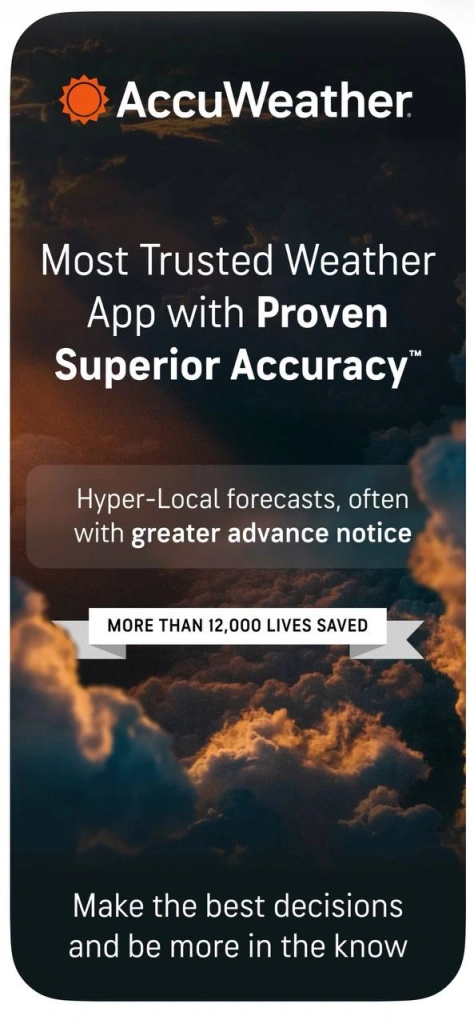
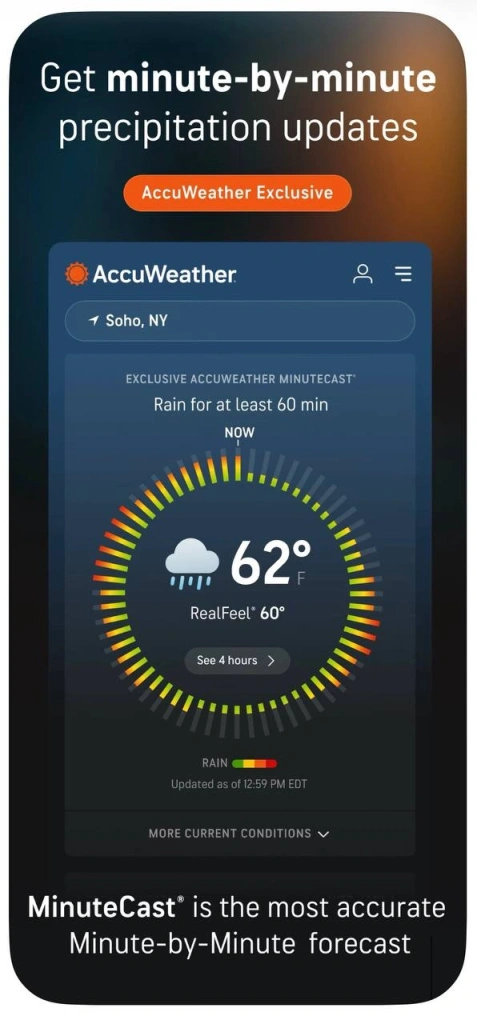
One of its main advantages is time-based detail – the service allows you to track changes almost hour by hour. On the other hand, AccuWeather provides forecasts for fairly broad areas, which can be less useful in mountainous terrain. This generalized data does not always accurately reflect conditions at a specific altitude.
Apps for storing and sharing trekking data
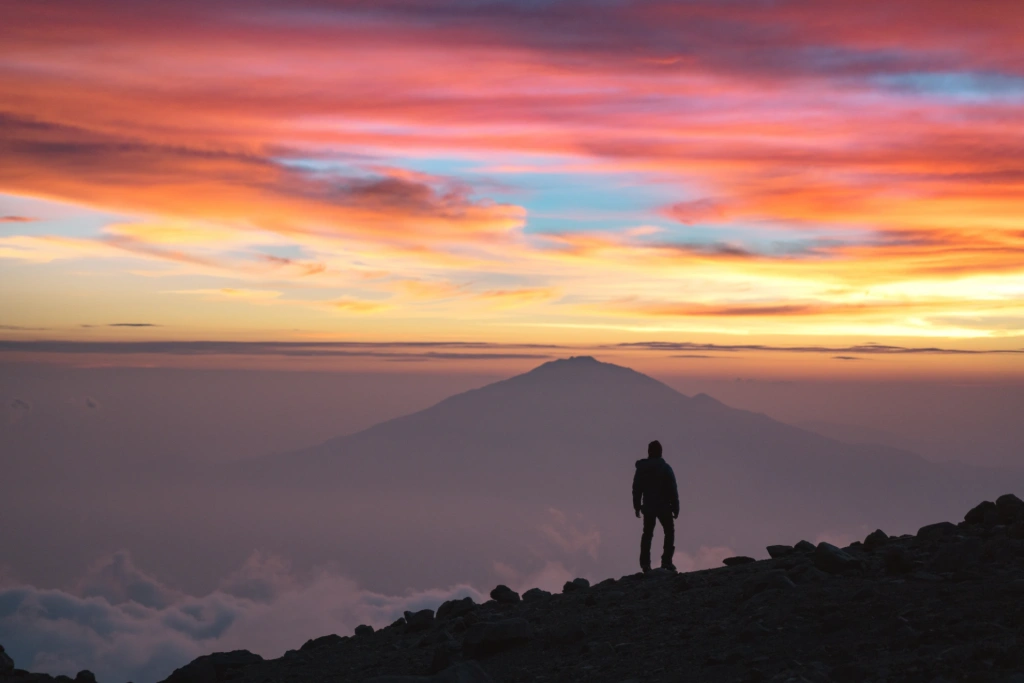
If you want to preserve memories of your journey – not just photos, but also route data, elevation, and pace – there is a separate category of useful mobile apps for climbing Kilimanjaro dedicated to tracking and storing expedition data. For some people, revisiting the memory of such a journey can become a source of motivation for future achievements. For others, it’s a way to analyze the trek in detail and understand where physical overload occurred and which skills need improvement.
Relive
- Price: free, Premium available from $7.99 per month
- Download: App Store, Google Play
This app transforms your trek into a visual story. It records your route and then automatically creates an animated map replay linked to your photos and key checkpoints.
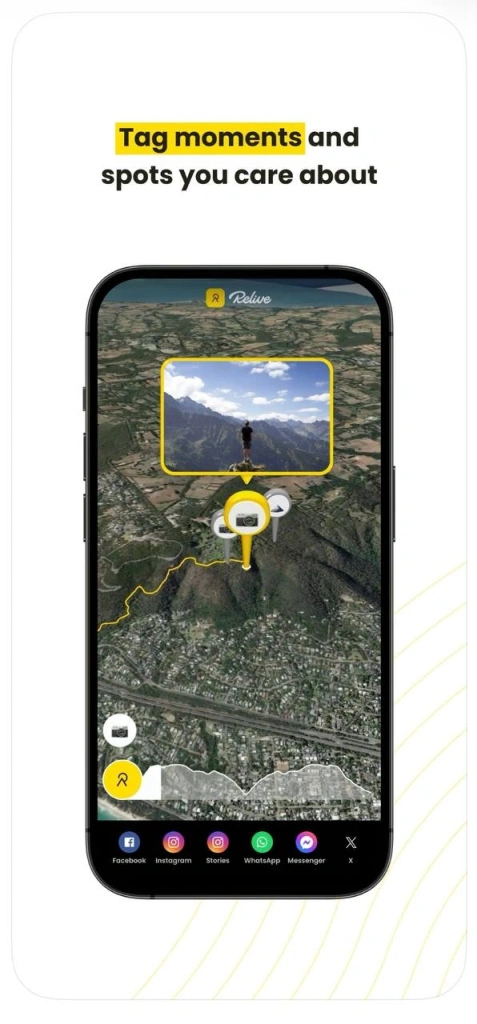
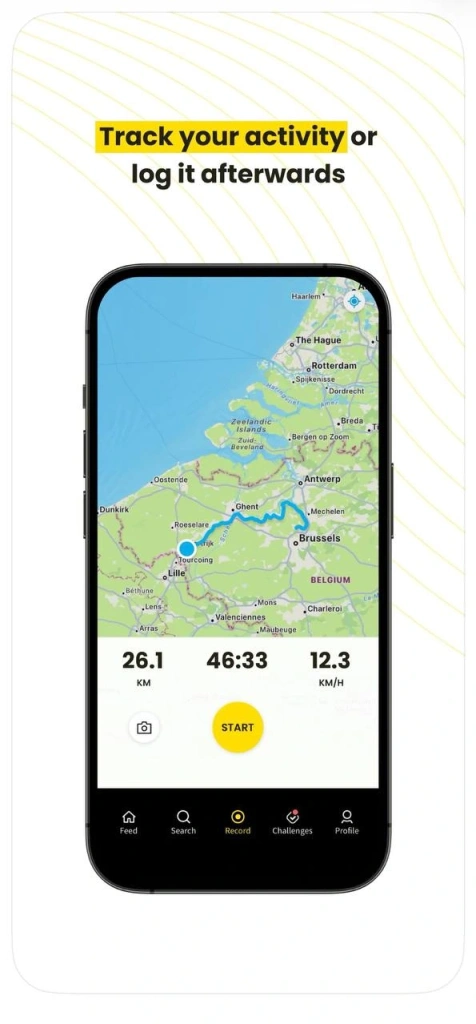
After the expedition, you can replay your entire ascent from the starting point to the summit. During the trek itself, the app functions as a tracker, recording the route and its main statistics. However, Relive should not be viewed as a navigation tool – it does not help you navigate on the mountain.
MapMyHike
- Price: free, Premium available from $5.99 per month
- Download: App Store, Google Play
MapMyHike records your route, distance, pace, and elevation gain. After the expedition, you receive detailed statistics about the journey that can be reviewed and analyzed later.
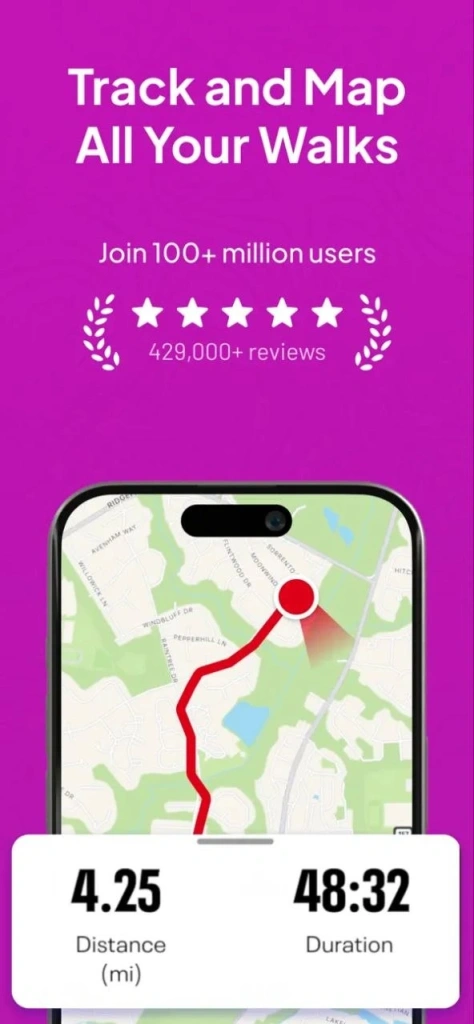
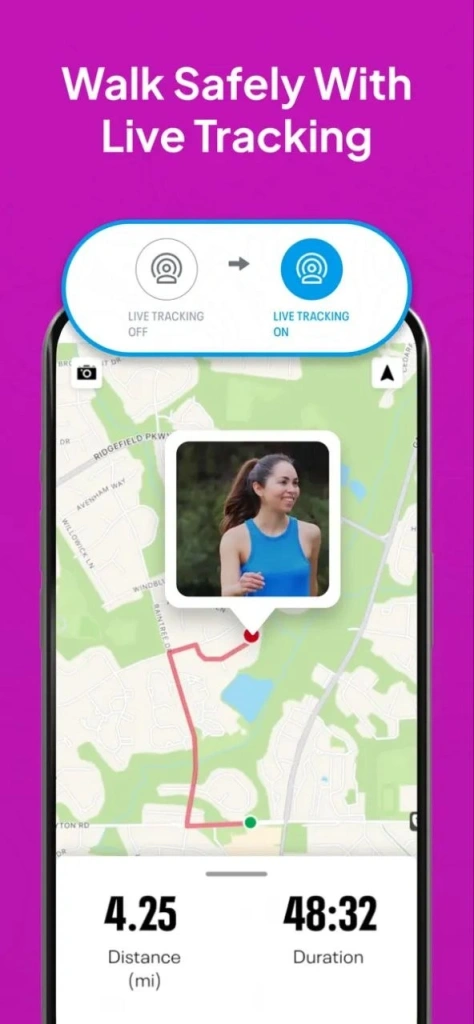
The app helps track details such as how long it takes to move between camps, how your pace changes during the day, and where the most difficult sections were located. However, there is one limitation: battery usage must be monitored carefully, especially when recording continuously.
Merlin Bird ID
- Price: free
- Download: App Store, Google Play
As a bonus, here’s another interesting app designed for birdwatching. It can identify almost any bird species from a single photo, birdsong recording, or description. The service was created by the Cornell Lab of Ornithology and uses the extensive eBird database with machine-learning algorithms.
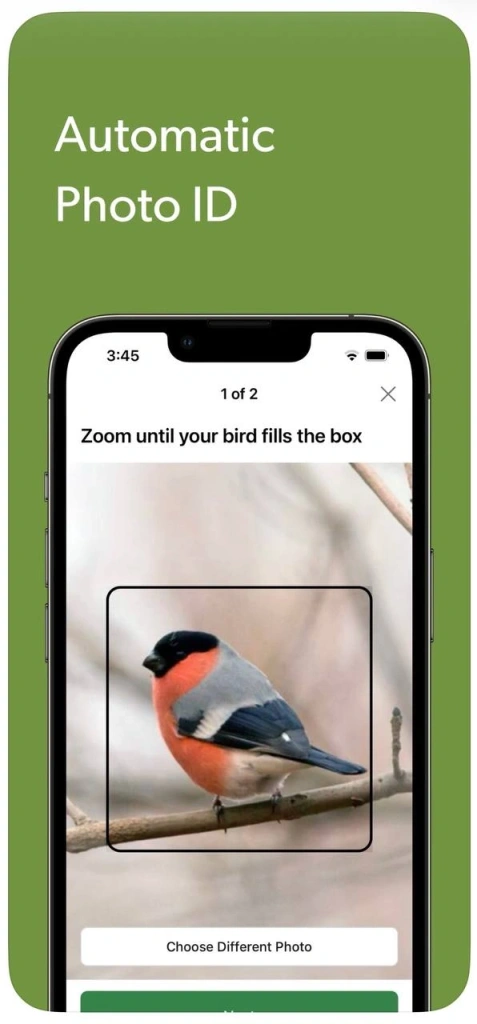
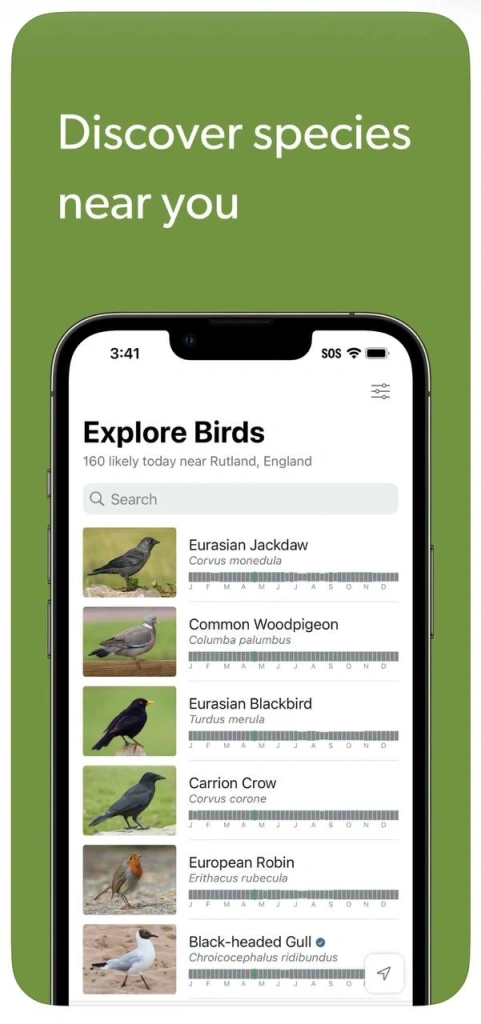
Inside the app, you’ll find detailed species descriptions, distribution maps, bird song collections, and regional bird lists from around the world. Offline databases for specific countries or regions can also be downloaded in advance.
There are very few downsides, aside from the fact that recognition quality depends on the region. In some countries, for example, Sound ID may only identify part of the local bird population.
Power Management Tips: Keeping Your Phone and Apps Running
On most Kilimanjaro routes, mobile service either disappears completely or appears only briefly and intermittently. You should not expect to have stable internet access or the ability to send messages whenever you want. That’s why everything you may need during the trek – maps, routes, notes, and other materials – should be downloaded in advance and tested offline.
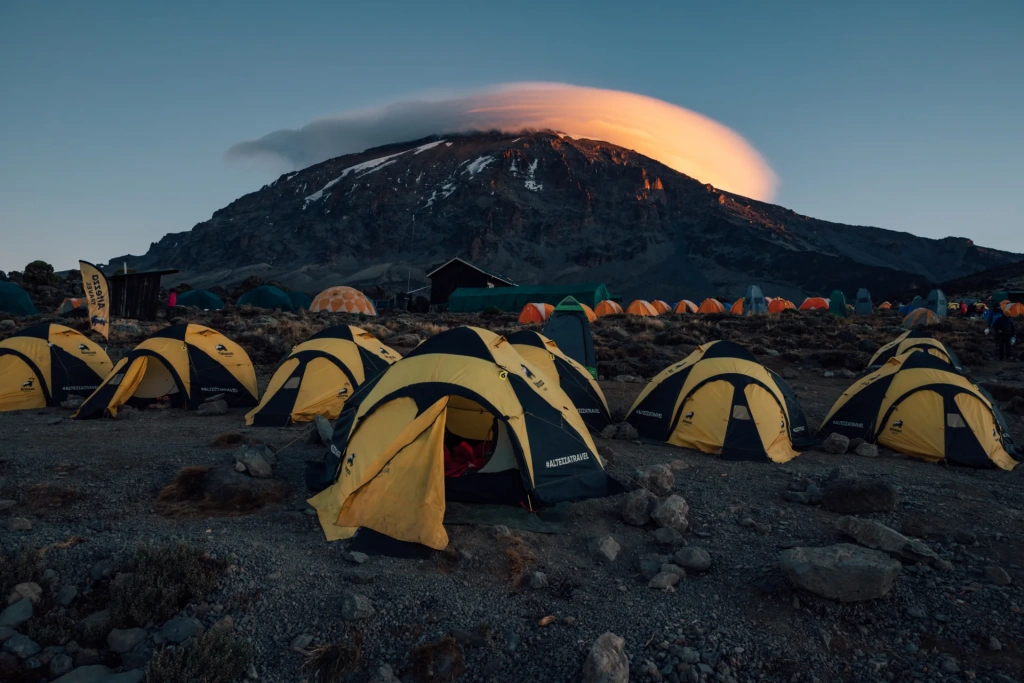
During trekking, opportunities to recharge devices are limited, so a portable battery is essential. The recommended minimum for a week-long expedition is a 20,000 mAh power bank.
Power banks and chagring solutions
To make sure you don’t forget anything important before your trip to Tanzania, be sure to download and review our guide – it brings together everything you’ll need during the climb in one place.

At high altitude and in cold temperatures, batteries drain much faster, both in your phone and in external power banks. That’s why devices should be kept in an inner jacket pocket during the day and close to your body at night. Avoid leaving a power bank out in the cold, as it may lose some charge by morning.
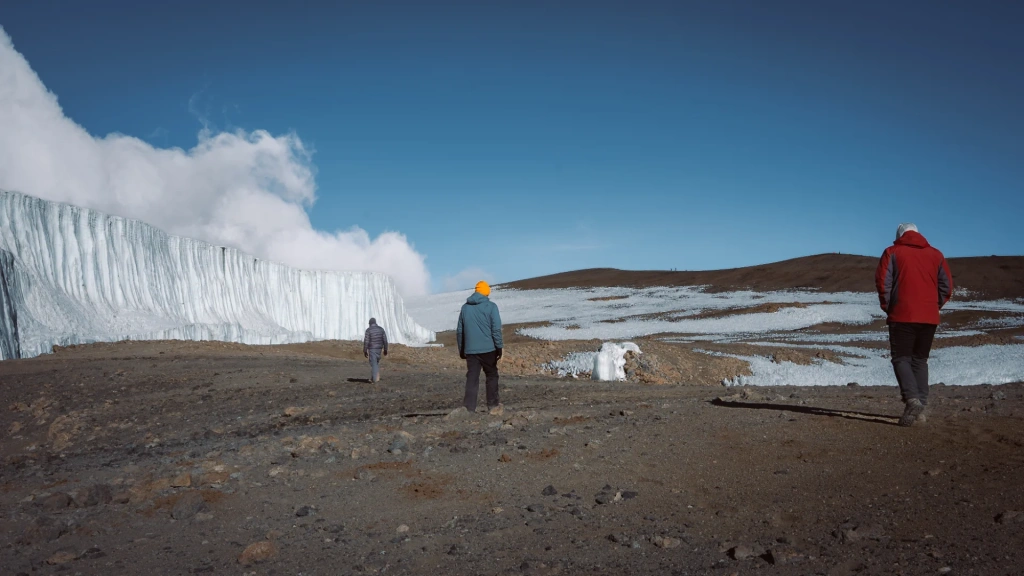
Solar-powered chargers are another option, but they have limitations. At first glance, they seem practical because mountainous environments receive abundant sunlight. In reality, however, solar panels often charge slowly due to cloud cover, which is common on Kilimanjaro. Cold temperatures also negatively affect charging efficiency. For that reason, we would recommend solar charging only as a backup solution. A power bank remains the more reliable choice.
Offline Functionality: Preparing Your Apps for Limited Connectivity
When there is no signal, your smartphone constantly scans for mobile towers in an attempt to reconnect. This happens continuously in the background and drains the battery quickly. That’s why it’s best to enable airplane mode and keep it active most of the time.
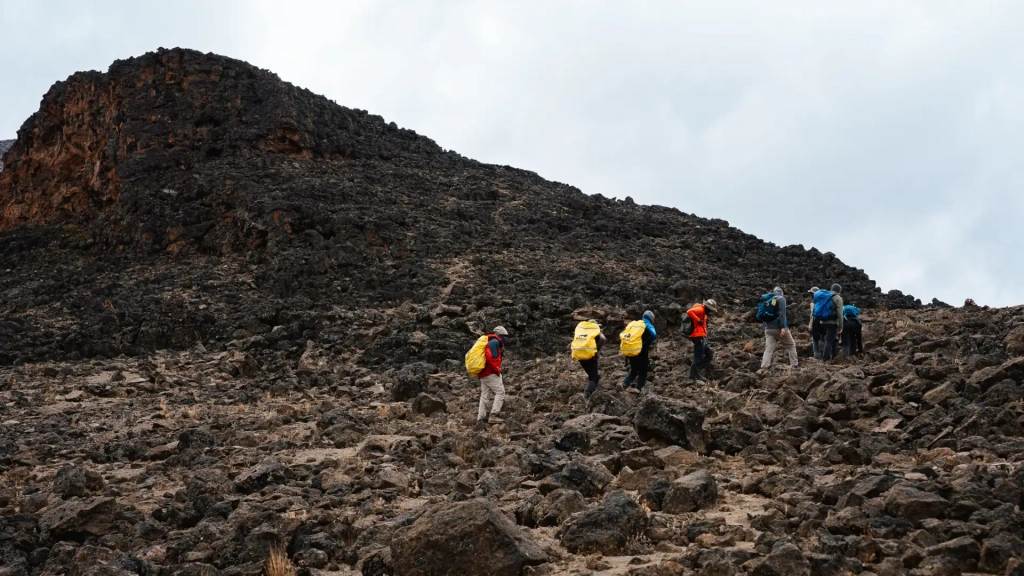
Your phone will still function normally: offline maps and GPS tracking continue to work even without network access, and you can still take photos and view previously downloaded content. GPS does not depend on cellular service, so navigation remains available. Because of this, a single battery charge may last for several days.
Disabling unnecessary functions before the trek
One of the simplest and most effective ways to save battery life is to disable anything that consumes power without offering practical value in the mountains. In everyday life, these features often go unnoticed, but during a trek they slowly drain your device.
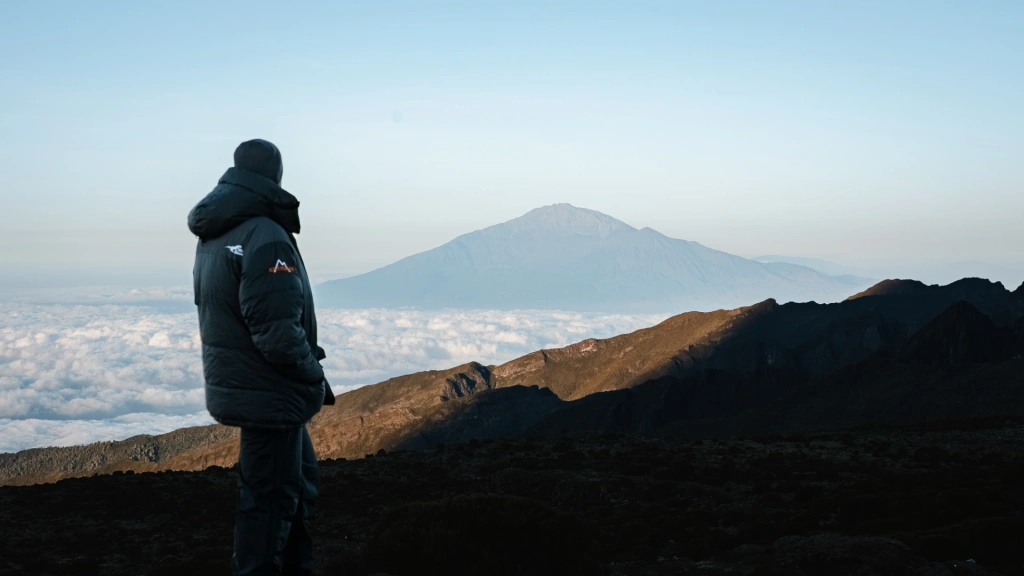
First of all, reduce screen brightness. On the trail, there are very few situations where maximum brightness is necessary – maps and essential information remain perfectly readable at medium brightness levels.
Next are background processes. App updates, data synchronization, and automatic downloads continue running even without stable internet access. Disabling background app refresh can significantly reduce power consumption.
Notifications are also unnecessary in the mountains, so it’s worth turning them off in advance to eliminate another source of background activity.
Location services are another important point. GPS is useful, but only when you are actively using maps or recording your route. Many apps continue requesting location data even when not in use. For that reason, it’s best to restrict location access and allow it only for the services you actually need.
Frequently Asked Questions
Mobile coverage on Kilimanjaro is unreliable. On the lower slopes, within the tropical forest zone, there is usually no signal. Above the forest line, it is sometimes possible to briefly connect in certain areas or while descending, but you should not rely on it. Internet access is even less common and is usually very slow.
There is no universal answer to this question. Most climbers and hiking enthusiasts tend to choose Gaia GPS. The app provides accurate offline maps, displays elevation profiles, and works reliably without internet access. For simpler needs, Maps.me is usually sufficient, while AllTrails is excellent for reviewing routes and learning from other travelers’ experiences.
All content on Altezza Travel is created with expert insights and thorough research, in line with our Editorial Policy.

Want to know more about Tanzania adventures?
Get in touch with our team! We've explored all the top destinations across Tanzania. Our Kilimanjaro-based adventure consultants are ready to share tips and help you plan your unforgettable journey.